
Step 1: Locate your MAC Address
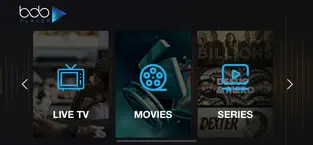
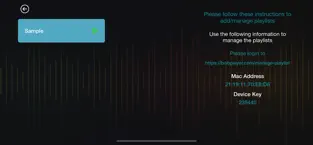
To get started, open the app on your device. Your unique MAC Address will be displayed on the main screen. Format: XX:XX:XX:XX:XX:XX.
⚠️ Note: Ensure you copy the MAC address exactly as shown for a successful activation.
Step 2: Start Your 7-Day Free Trial
Every new installation includes a 7-day free trial. This allows you to test the app's performance and features without any immediate payment.
Step 3: Upload Your M3U Playlist
Please note: Bob Player is a Media Player only. We do not provide content, channels, or subscriptions. You must provide your own M3U playlist URL from your service provider.
Step 4: Lifetime or Yearly Activation
After the trial period, you can choose to activate your MAC address with a yearly or lifetime license.
View Activation Plans